Users

Users
What are subusers?
People such as server's staff members can be given partial, so called "sub-user" access to the game panel.
Adding subusers
If the subuser doesn't yet have an account, it'll be automatically created when they are first invited to a server.
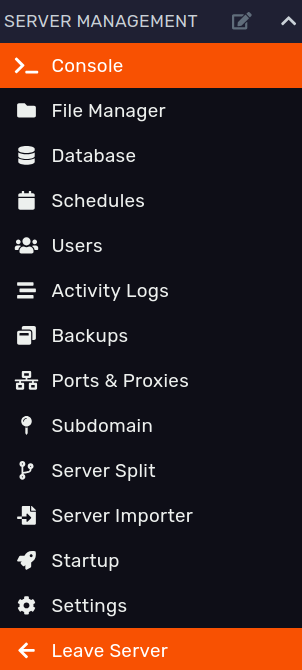
- First, head over to DuckPanel and go to the Users tab found on the left sidebar. Here you can manage all your subusers. Now, click
Create Newbutton to begin setting up a subuser.
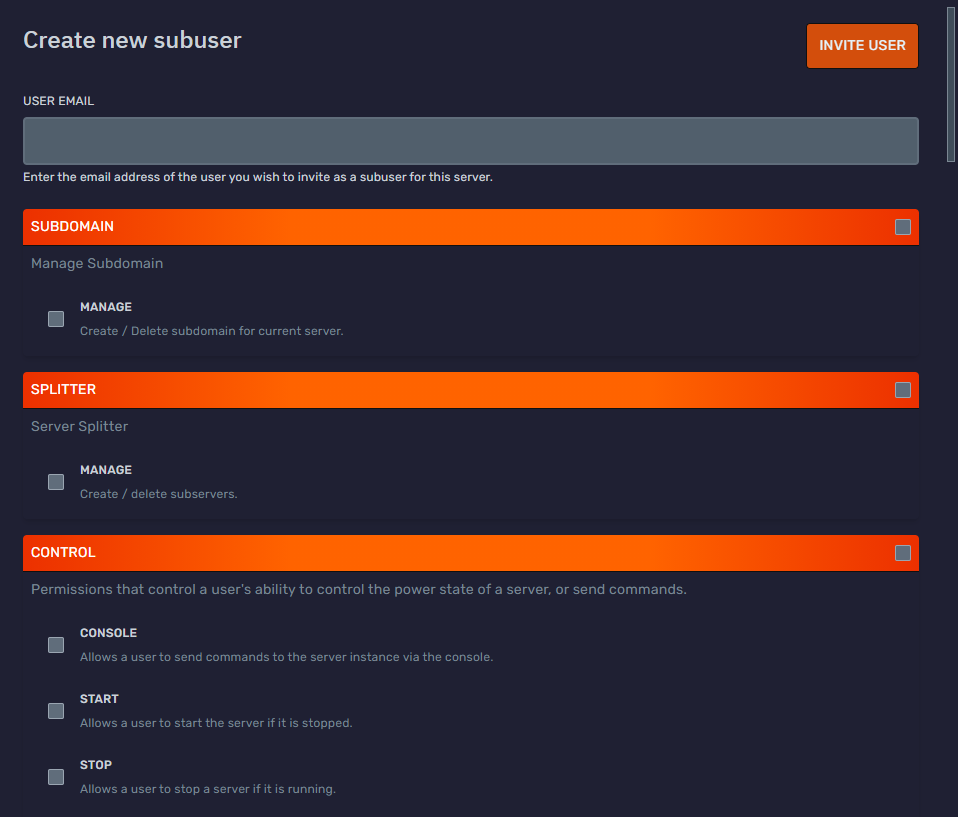
- Simply enter the person's email account. Then, select which permissions you want to grant the user. You can select all permissions or clear the permissions.
You can change your Pterodactyl icon (along with the icon for any service that uses Gravatar) by changing your icon at Gravatar's official website.

-
Once you have clicked add user, an email will be sent to that email stating they have been invited to the server. Have the sub-user open the email and click on the provided link.
-
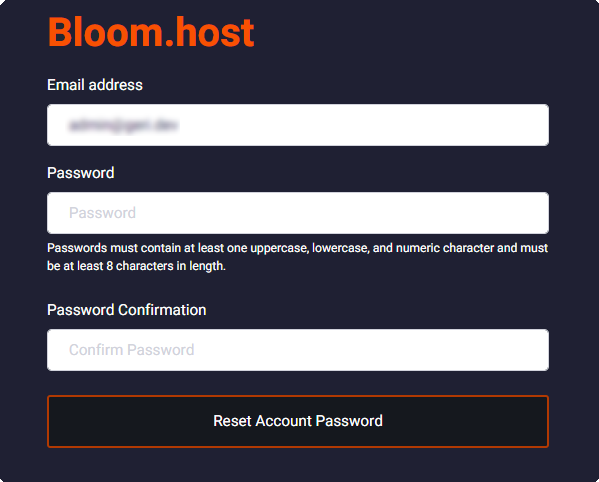
After clicking the button in the email, they will be redirected to the password reset page, where they can set a brand new password.
-
After setting up the account, they can go to DuckPanel and log in with their freshly generated credentials!
Leaving a server if you are a subuser
A subuser can remove themselves from a server by opening DuckPanel, selecting the server they wish to leave, and then choosing the "Leave Server" option found in the left sidebar beneath "Settings".